01
One SKU, different spellings
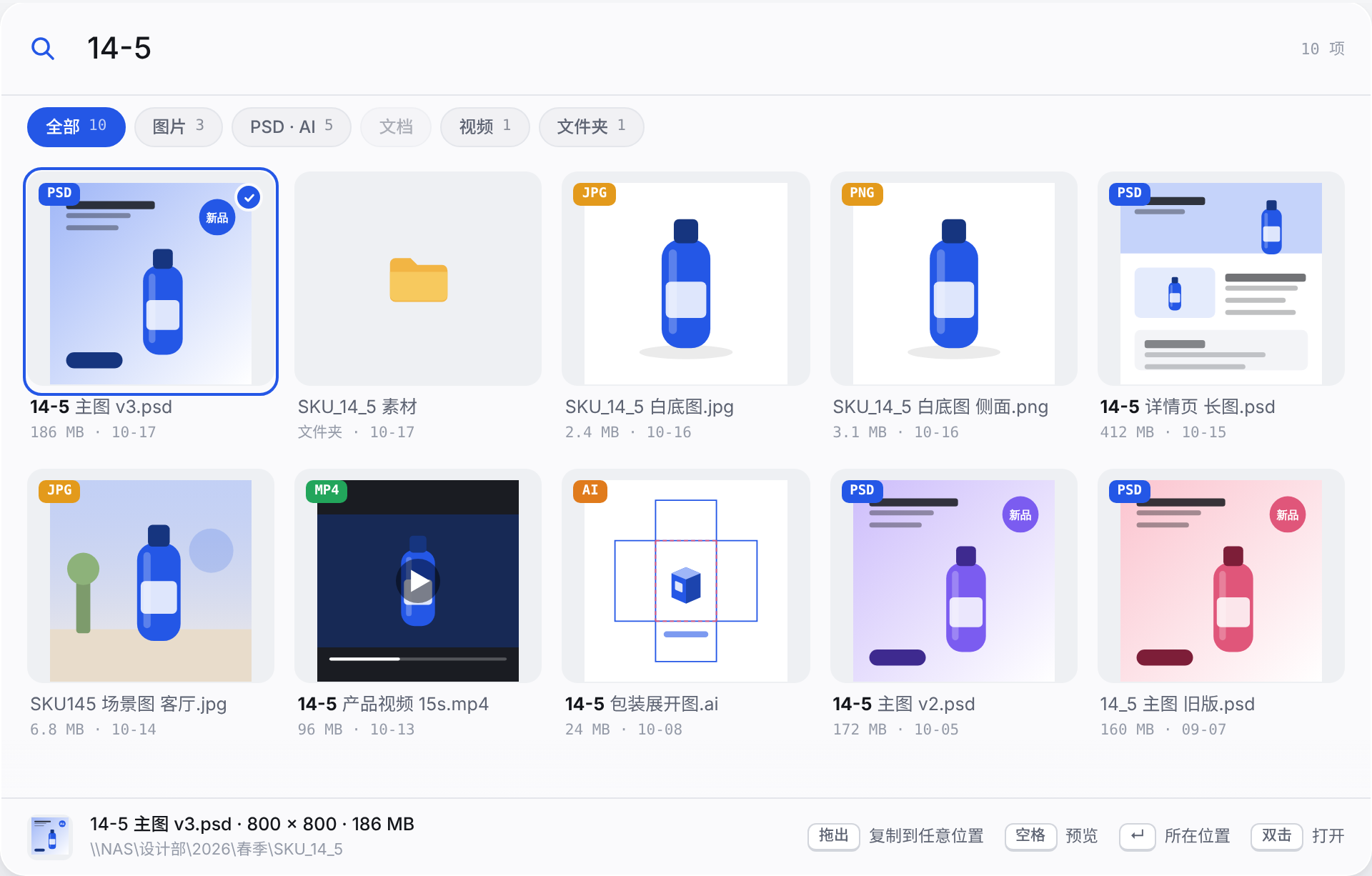
Search filenames and paths. Spaces, hyphens, underscores and dots are ignored, so 14-5 can match 14_5 or 145. Queries use your local index rather than walking the NAS directory tree each time.
SharedQuickSearch 共享速搜
Shared-drive asset search Free
A Windows search tool for design and asset teams. Press Ctrl + Alt + Space, type a SKU, filename or Chinese pinyin, browse thumbnails, press Space to preview, and drag to copy. Works with NAS, SMB shares, mapped drives and local folders. A local index keeps everyday searches off the shared drive. Free and MIT-licensed, with no account or subscription.
Search filenames and paths. Spaces, hyphens, underscores and dots are ignored, so 14-5 can match 14_5 or 145. Queries use your local index rather than walking the NAS directory tree each time.
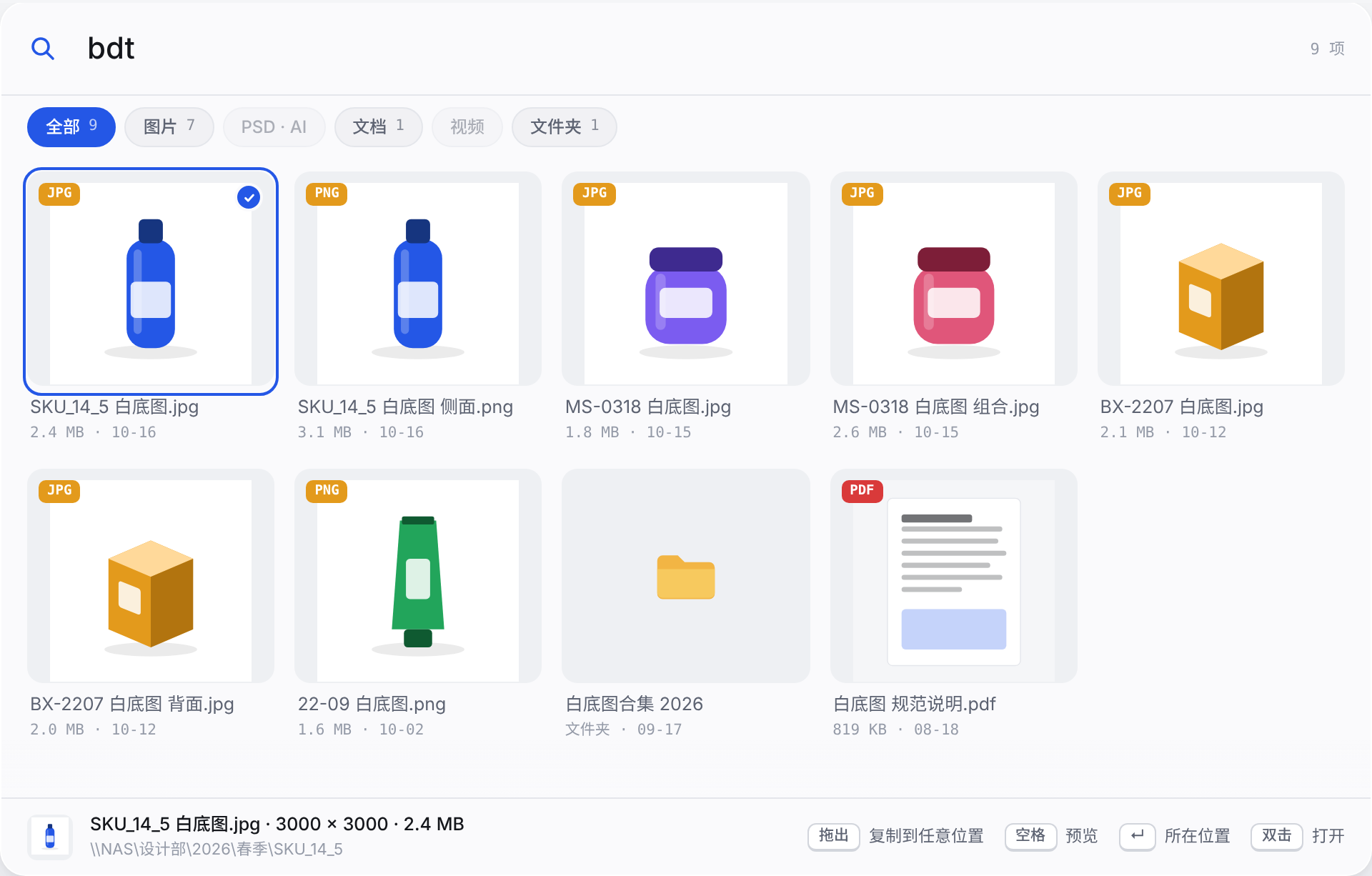
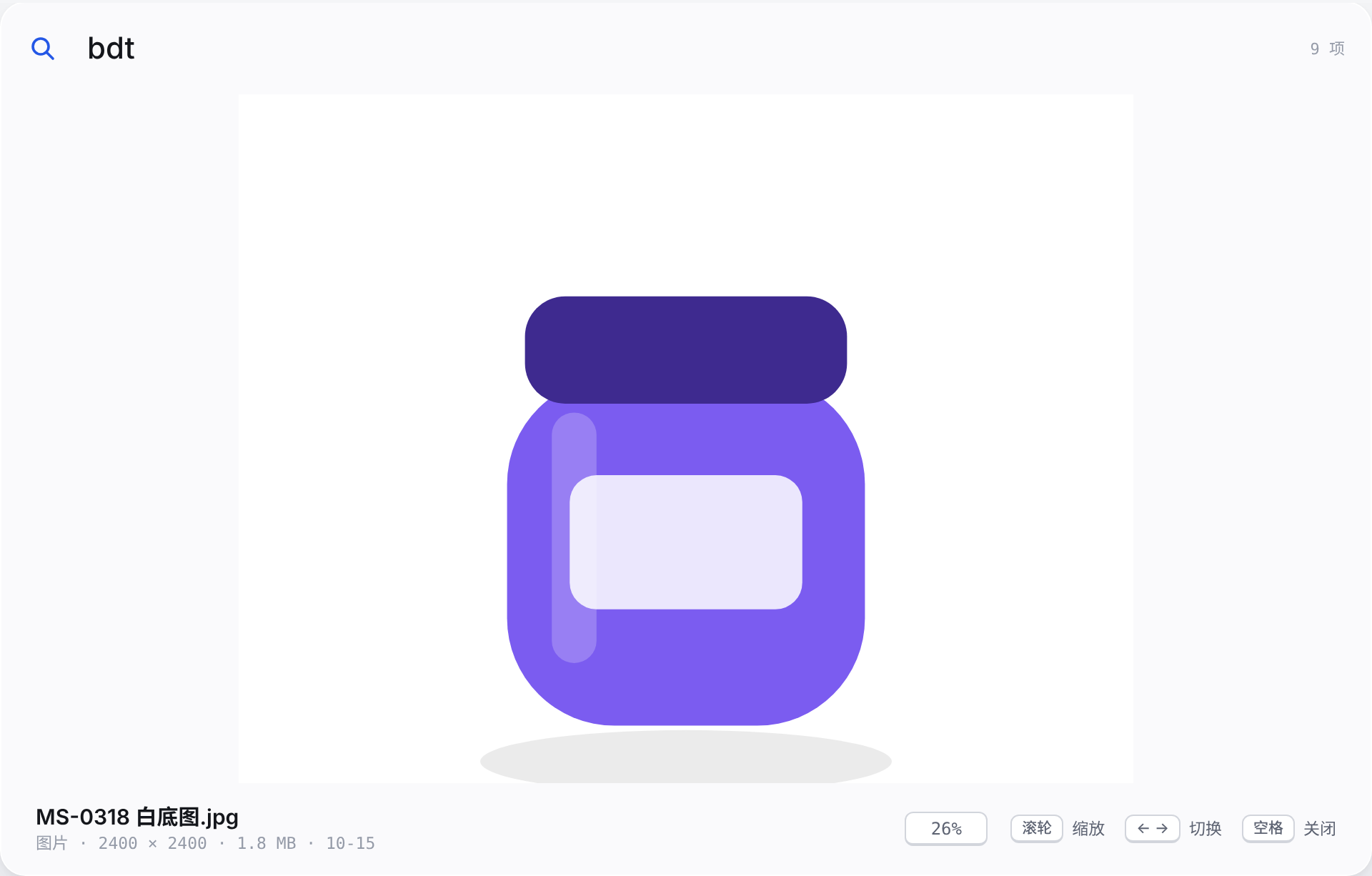
Type bdt for 白底图 or zhutu for 主图. Search Chinese text, full pinyin or initials, then narrow results by images, design files, documents, videos or folders.
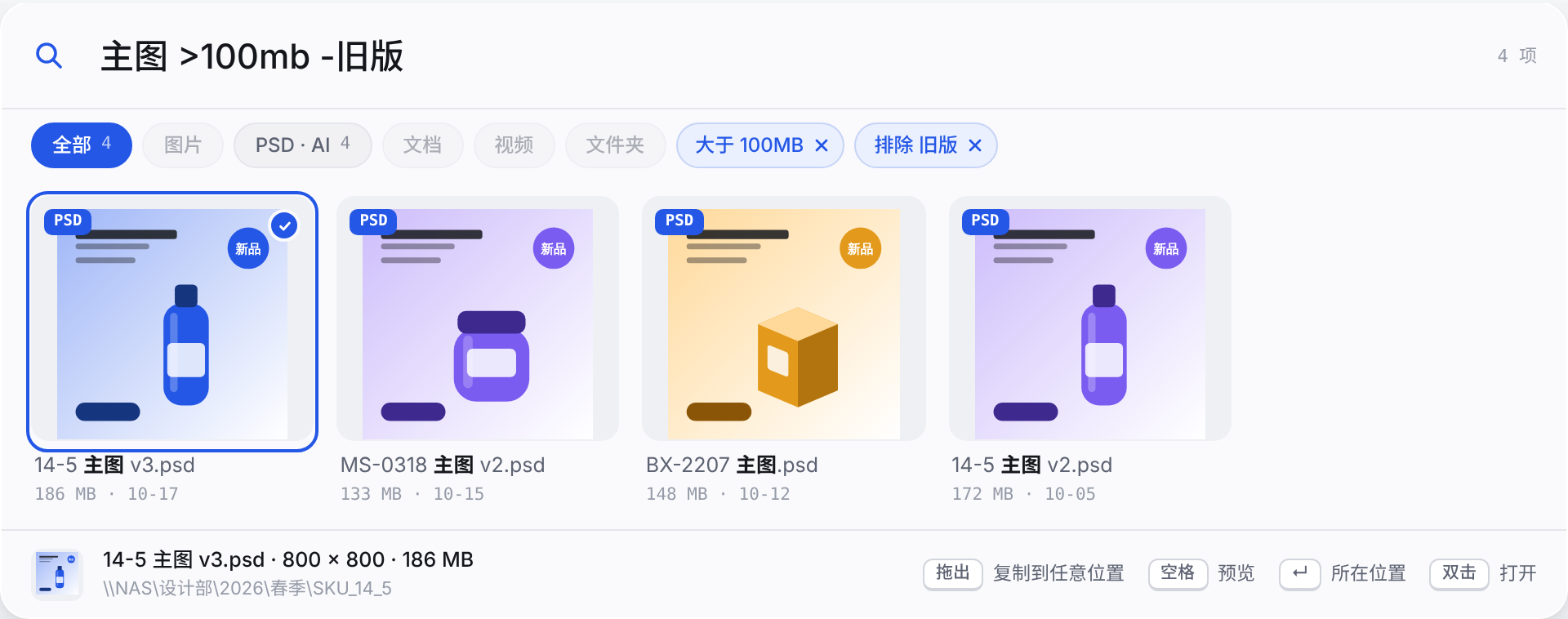
Use psd, .jpg or *.ai for formats, >50mb for size and -旧版 to exclude a word. Chinese date terms such as 今天 or 本周 and 30d filter modification dates. Recognized filters become removable chips; these examples reflect the current app syntax.
Checks memory, local disk, the Windows cache and embedded previews before generating a thumbnail. The disk cache defaults to 2 GB. Visible results take priority over background warming. PSD, AI, PDF, Office and video previews depend on the file and installed Windows handlers.

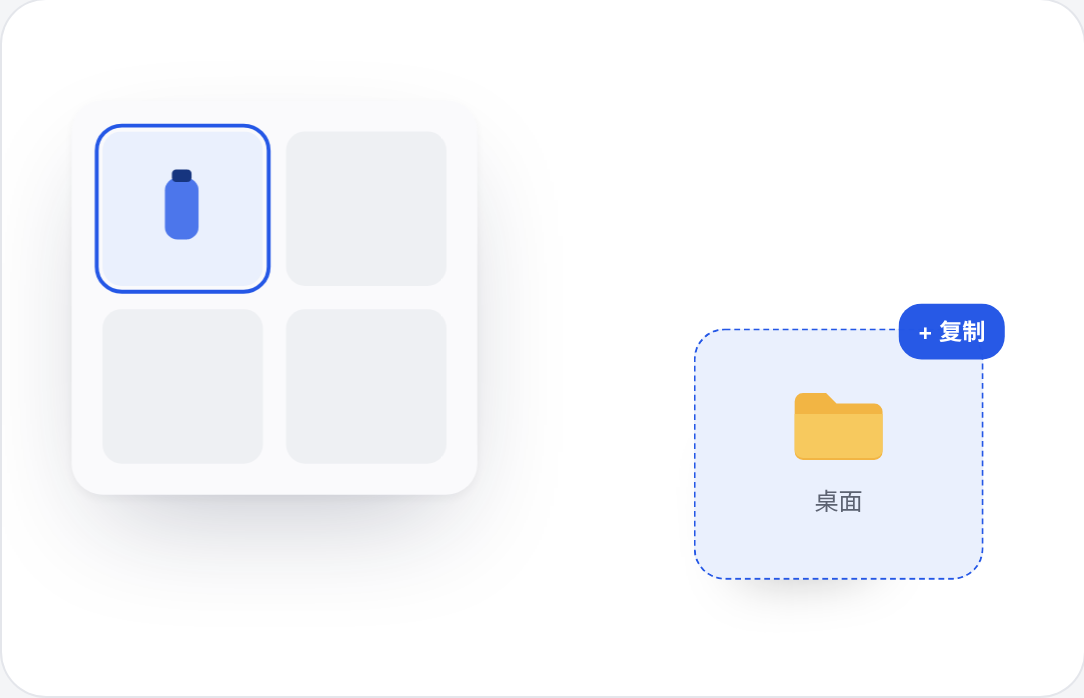
Ctrl-click or Shift-click to select multiple files. Dragging from the app advertises copy only, not move. Ctrl + Shift + C copies files; Ctrl + C copies full paths. Enter opens the containing location; double-click or Ctrl + Enter opens the file. Drop support depends on the receiving app.
Press Space to preview and use arrow keys to browse. Images support wheel zoom, panning and fit-to-window. Ctrl + Shift + Enter expands the search bar into a resizable workbench with file size, modified time and path. Document previews are not full editors.
Add a UNC share such as \\192.168.10.17\共享素材库, a mapped drive or a local folder. Exclude any folder inside a selected root by its full path, including all descendants. Existing index entries are removed, not source files. Common clutter such as Thumbs.db and desktop.ini is ignored.

File watching updates the index, with a staggered quick reconciliation every two hours. Manual refresh runs a full scan. An offline snapshot remains searchable when the NAS disconnects. Setup checks share access and guides exclusions; startup, hotkey and light/dark settings are available.

Better you know now than after you install it.
Install the Windows version, paste a share such as \\192.168.10.17\共享素材库, choose exclusions and start scanning. Mapped drives and local folders work too. Confirm access in File Explorer first: the app does not bypass NAS logins or permissions.
No. Add its full path within an indexed root. That folder and every descendant are skipped, and old index entries are removed. The files on the shared drive remain untouched.
It can find these files, but preview is not equivalent to the original app. Images display directly; document, design and video thumbnails depend on embedded previews and installed handlers. Full Word/PDF page navigation and playback of every video format are not guaranteed.
No. The first scan must read directory metadata. Time depends on file count, folder structure, NAS and network. Later searches use the local index, but scans, thumbnail generation and copying still access the drive. No fixed NAS timing is promised.
The desktop app stores settings, the index and thumbnails in your Windows user folders, without cloud upload, accounts or usage analytics. NAS access still uses the local network. Optional clipboard prefilling reads local text when invoked and can be disabled. This describes the app, not the privacy policy of this website.
Get a new installer from GitHub Releases; updates preserve settings, index and cache. Portable files and SHA256SUMS.txt are available there. The app is currently unsigned, so Windows may show a security prompt: verify the source and checksum. Uninstall through Windows Settings; local data is kept by default or can be cleared. Shared-drive data is not removed.
First open-source release, with setup and onboarding
SharedQuickSearch
Find assets on your shared drive. Just type.